 Image 1 of 1
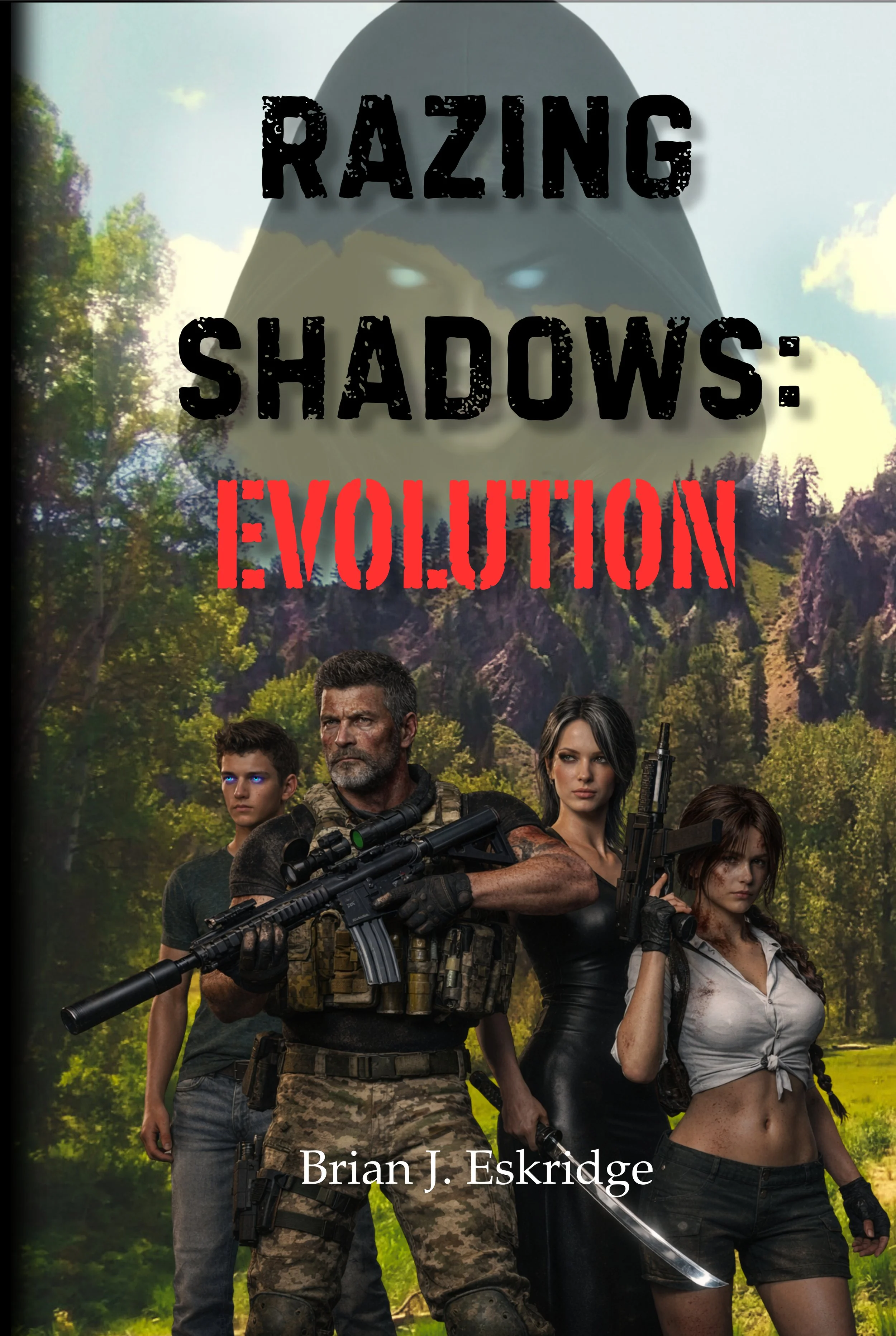
Fifteen years after walking away from a world built on secrets, violence, and government lies, Thomas Ravyn has carved out something he was never meant to have; a life, a family, and a fragile sense of peace. But peace was never designed to last.
When his son Alex begins to manifest abilities that should not exist; abilities tied to a buried program the world was never supposed to remember, that quiet life fractures overnight. What starts as subtle anomalies quickly spirals into a relentless pursuit by a shadow network with a singular objective: locate, control, and if necessary, eliminate the next evolution of humanity.
Forced into the conflict once again, the Ravyn family becomes both hunter and hunted--navigating a deadly game of intelligence, deception, and survival across continents. As alliances form and fracture, and as the line between ally and enemy begins to blur, Alex is drawn deeper into a reality he cannot escape-one where his existence alone could reshape the balance of power.
As the hunt closes in and the cost of resistance grows heavier, the Ravyn family is forced to confront an impossible question: how much are they willing to sacrifice for a future that may never come?
Because evolution doesn’t ask permission. Failing means extinction-not just for Alex, but for anyone like him.
Notes on Installation of eBook files manually.
Several ebook readers such as “ReadEra” are available in the various app stores will automatically search for new ebooks when they are installed locally on a device.
For Kindle readers, there may be a few extra steps required:
Adding an .epub book to Kindle
Android— “Send to Kindle”
1. Locate your EPUB file on your phone (Downloads, Files app, etc.)
2. Tap Share
3. Select Send to Kindle (may appear as Kindle app)
4. Choose your device/library
5. Tap Send
The file uploads to your Amazon library and appears in Kindle after syncing.
iPhone1 — Share Sheet ? Kindle (Best / Fastest)
1. Open the Files app (or wherever your EPUB is saved)
2. Tap and hold the EPUB file
3. Tap Share
4. Select Kindle
5. Tap Send
The book uploads to your Amazon library and shows up in Kindle after syncing.
Fifteen years after walking away from a world built on secrets, violence, and government lies, Thomas Ravyn has carved out something he was never meant to have; a life, a family, and a fragile sense of peace. But peace was never designed to last.
When his son Alex begins to manifest abilities that should not exist; abilities tied to a buried program the world was never supposed to remember, that quiet life fractures overnight. What starts as subtle anomalies quickly spirals into a relentless pursuit by a shadow network with a singular objective: locate, control, and if necessary, eliminate the next evolution of humanity.
Forced into the conflict once again, the Ravyn family becomes both hunter and hunted--navigating a deadly game of intelligence, deception, and survival across continents. As alliances form and fracture, and as the line between ally and enemy begins to blur, Alex is drawn deeper into a reality he cannot escape-one where his existence alone could reshape the balance of power.
As the hunt closes in and the cost of resistance grows heavier, the Ravyn family is forced to confront an impossible question: how much are they willing to sacrifice for a future that may never come?
Because evolution doesn’t ask permission. Failing means extinction-not just for Alex, but for anyone like him.
Notes on Installation of eBook files manually.
Several ebook readers such as “ReadEra” are available in the various app stores will automatically search for new ebooks when they are installed locally on a device.
For Kindle readers, there may be a few extra steps required:
Adding an .epub book to Kindle
Android— “Send to Kindle”
1. Locate your EPUB file on your phone (Downloads, Files app, etc.)
2. Tap Share
3. Select Send to Kindle (may appear as Kindle app)
4. Choose your device/library
5. Tap Send
The file uploads to your Amazon library and appears in Kindle after syncing.
iPhone1 — Share Sheet ? Kindle (Best / Fastest)
1. Open the Files app (or wherever your EPUB is saved)
2. Tap and hold the EPUB file
3. Tap Share
4. Select Kindle
5. Tap Send
The book uploads to your Amazon library and shows up in Kindle after syncing.